Turn material into draft cards
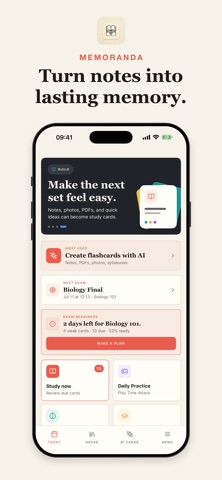
Create cards manually or generate them from supported notes, documents and images, then check the questions and answers against the original.
 MemorandaApp Store
Flashcards and study practice
Create cards yourself or draft them with AI from notes, PDFs, TXT files and study images. Organize collections and revisit due or weak cards with spaced-repetition reviews.
Some features may require an in-app purchase or subscription. Check the App Store for current availability and pricing.
Inside the app
Create cards manually or generate them from supported notes, documents and images, then check the questions and answers against the original.
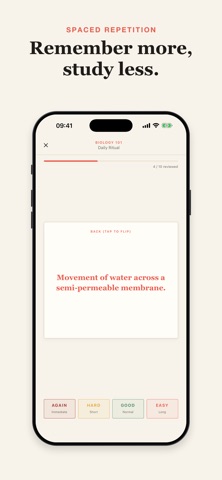
Use spaced repetition, due-card and weak-card practice, favorite cards and exam-style modes to structure study sessions.
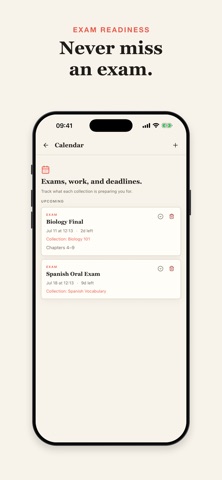
Ask Memo Coach for explanations, quizzes or summaries, track study progress, and add study reminders or exam dates to your calendar.
Memoranda
Start with one lesson or short document and identify the ideas you need to explain.
Review each answer against the source, rewrite unclear prompts and place cards into useful collections.
Try the question first, review missed ideas and use the original material whenever an explanation needs clarification.
Memoranda
Turn a paragraph into answerable questions instead of copying an entire page onto a card.
Read the guideUse a small audit routine to catch unsupported answers, missing context and unhelpful prompts.
Read the guideUse a small, repeatable session instead of treating a growing queue as a personal failure.
Read the guideCombine flashcards with new examples and course-style questions to see what still needs work.
Read the guideAI-generated study content needs review and does not replace course sources or qualified instruction. Study indicators do not guarantee grades or mastery. Some advanced features require a subscription.
Flashcards and study practice